
Download MT Auto Clicker – Free Tool for Productivity, Gaming, and Automation
Overview
MT Auto Clicker is a productivity-focused utility designed to automate mouse clicks and streamline repetitive tasks on Windows, macOS, and web platforms. The app targets users seeking efficient automation solutions, including gamers, developers, content creators, and professionals managing high-volume workflows. By enabling precise click timing and customizable sequences, it addresses common challenges related to manual input, such as fatigue, inconsistency, and inefficiency.
Real-world use cases include automating gameplay actions, recording tutorials, refreshing web pages for monitoring updates, and executing complex macros for data entry or testing. The tool is particularly valuable in environments where speed and accuracy are critical. While the developer did not provide additional technical background, the app’s cross-platform availability suggests a focus on accessibility and user flexibility.
With a free pricing model and a premium tier available, MT Auto Clicker offers scalable access to automation features. Its presence in the productivity ecosystem highlights a growing demand for lightweight, efficient tools that enhance digital workflow performance.
Key Features & Functionality
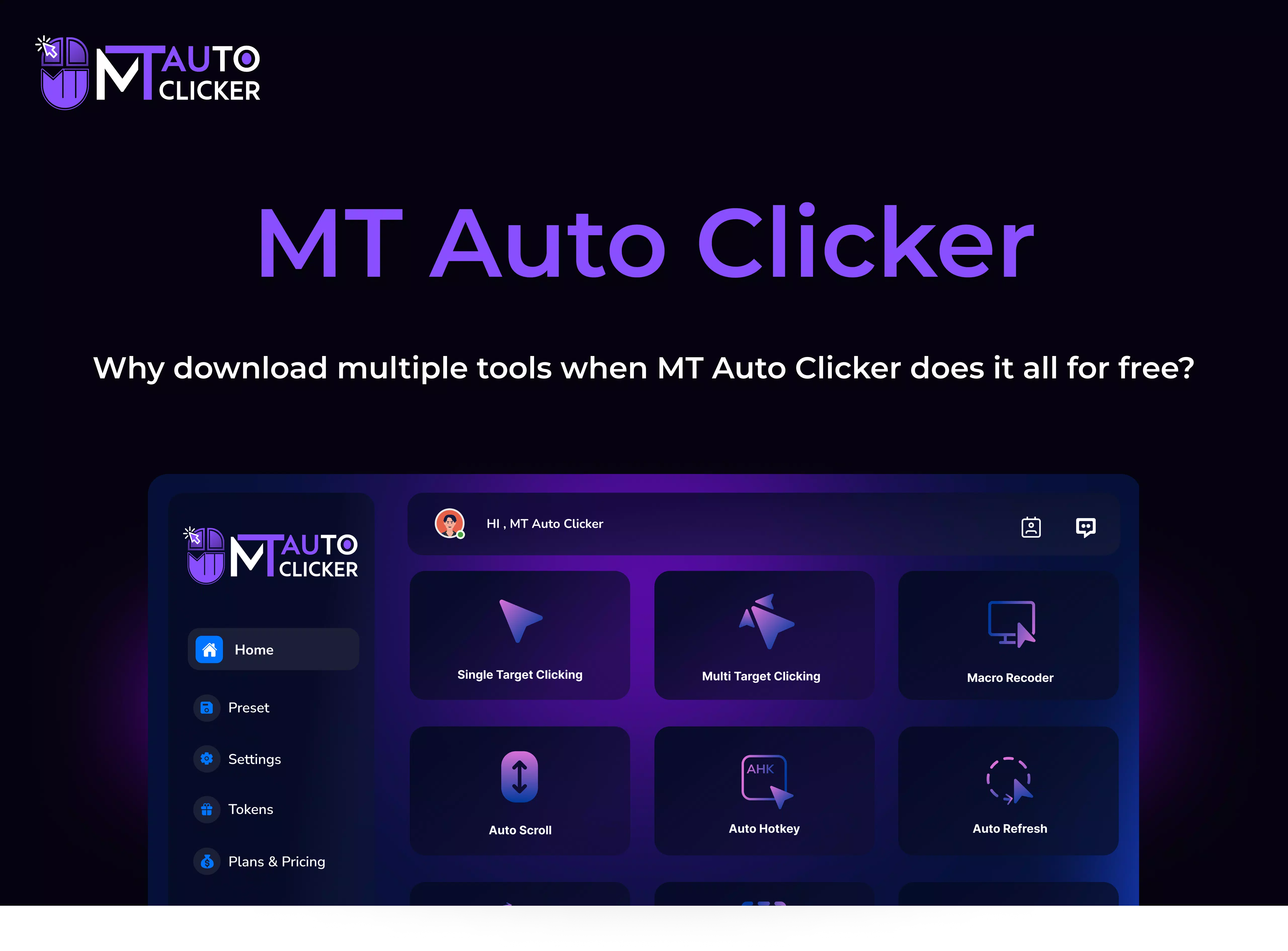
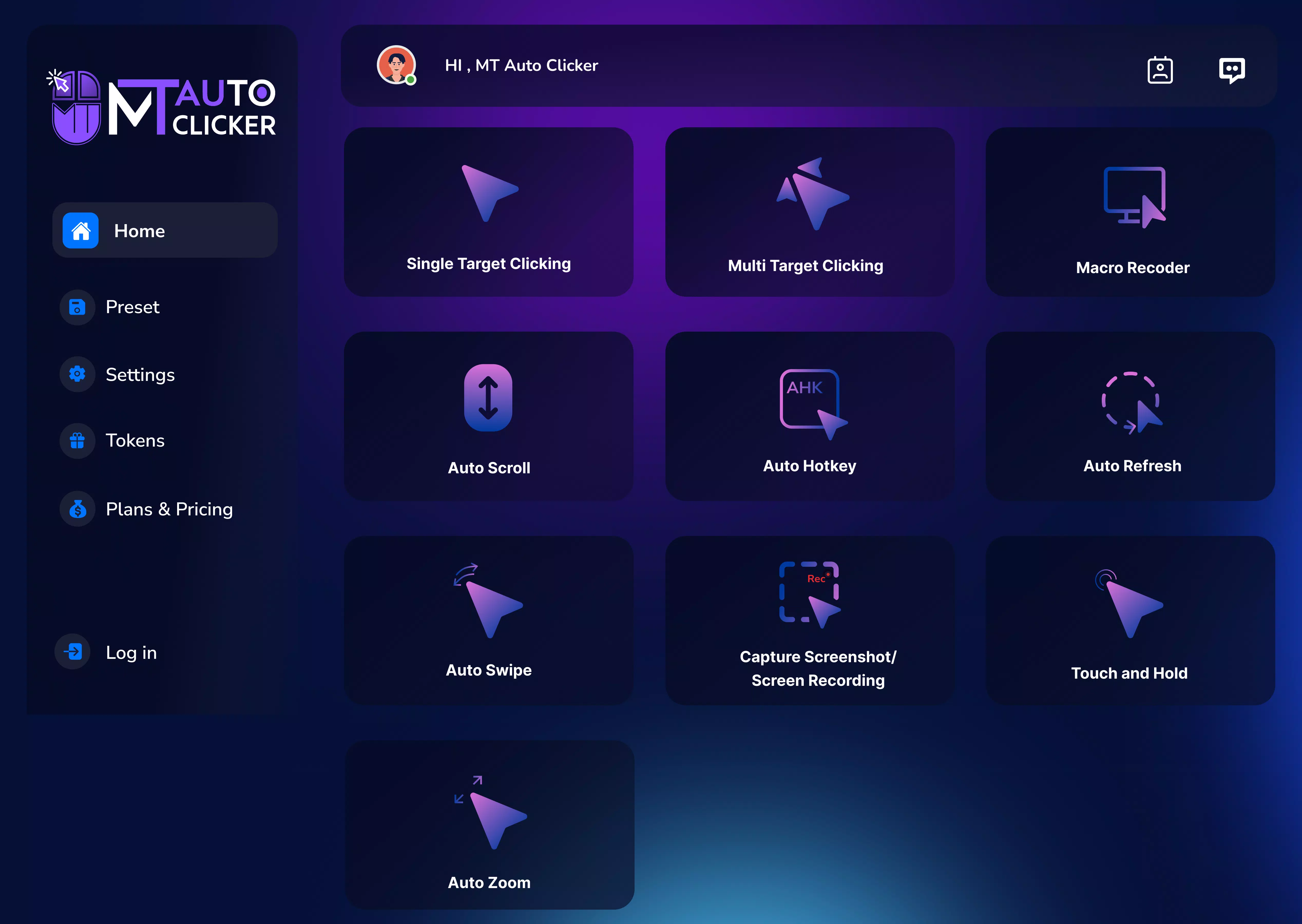
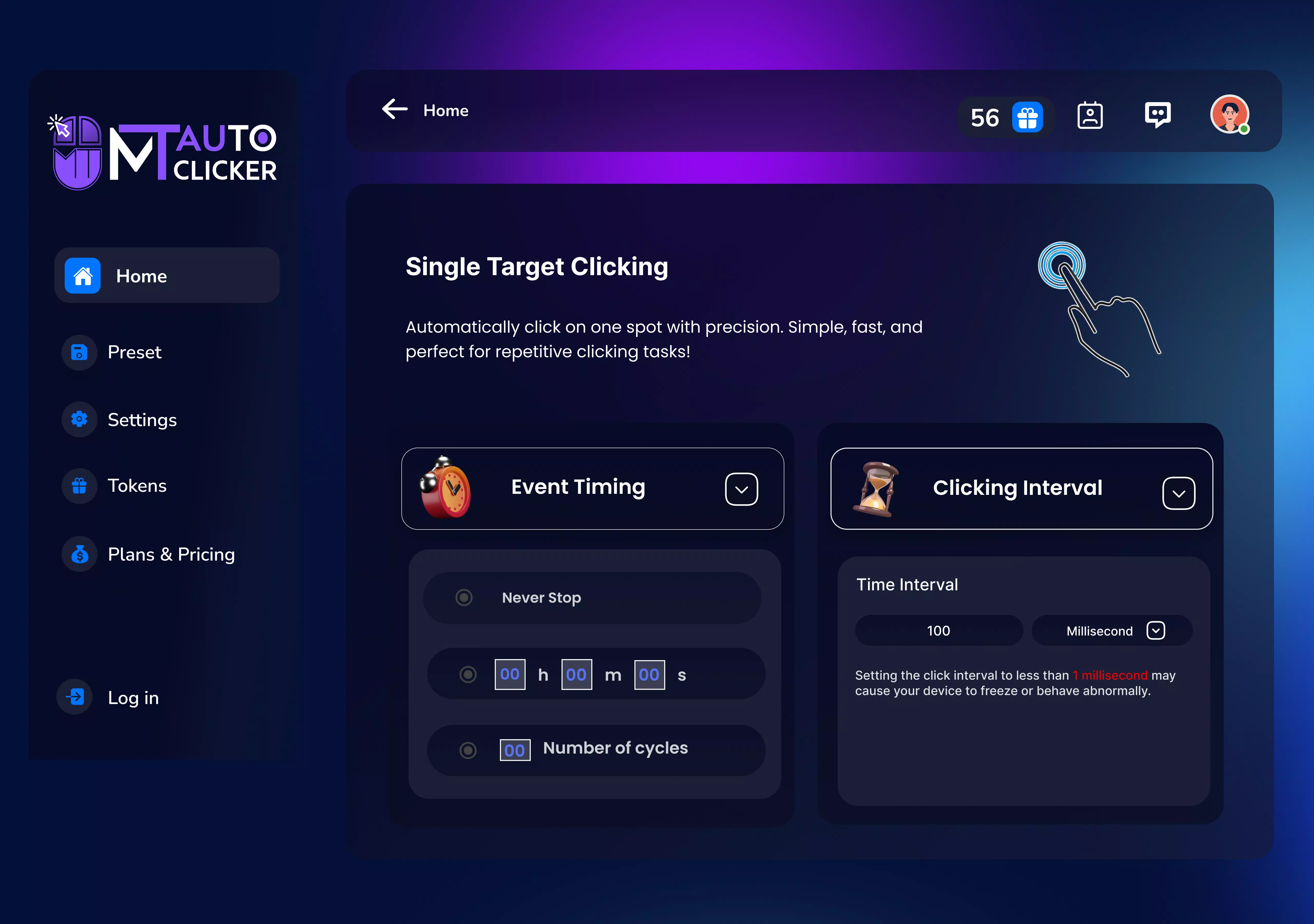
- Single Target Auto Clicking: Allows users to set clicks at intervals as low as 1 millisecond, supporting both unlimited and time-limited execution. Ideal for achieving high Clicks Per Second (CPS) in gaming or repetitive tasks.
- Screen Recording Capabilities: Enables recording of specific screen areas or full-screen content in formats like MP4 and MKV, with support for up to 4K resolution. Useful for creating tutorials, capturing gameplay, or documenting processes.
- Auto Refresh Feature: Lets users define custom refresh intervals for web pages across multiple tabs, reducing manual effort in monitoring dynamic content such as stock prices, event schedules, or online sales.
- Macro Recorder: Captures sequences of actions—either automatically or via manual input—for playback. Enhances productivity by automating repetitive workflows like form submissions or software testing.
- Cross-Platform Compatibility: Functions on Windows, macOS, and web-based environments, allowing seamless transitions between devices and consistent automation across platforms.
These features serve practical purposes across various domains. For example, a content creator can use the macro recorder to automate video editing steps, while a gamer might leverage the single-target clicking for consistent in-game actions. The screen recording function supports educational content creation, and the auto-refresh tool benefits users tracking live updates without constant manual intervention.
Interface, UX & Performance
The interface of MT Auto Clicker is designed for clarity and ease of use, with intuitive layout and accessible controls. Navigation is straightforward, allowing users to quickly access core functions such as click settings, recording options, and macro management. Visual design emphasizes functionality over ornamentation, aligning with the app’s productivity-focused purpose.
The app maintains responsive behavior across different screen sizes and device categories, ensuring consistent interaction. Although the developer did not list formal performance metrics, the application’s lightweight footprint of 18.7 MB suggests efficient resource usage. Stability appears to be well-maintained, with minimal reported disruptions during operation.
The app responds promptly to user inputs, supporting real-time adjustments to click intervals and recording parameters. Users can expect smooth operation during extended sessions, though performance may vary based on system configuration. No specific requirements were listed for optimal performance, and compatibility information was not fully disclosed.
Nonetheless, the app’s design supports a seamless user experience across platforms.
Platform Compatibility & Technical Requirements
MT Auto Clicker is available on Windows, macOS, and web platforms, offering broad accessibility across operating systems. The latest version, 2.0.1, is designed to run on modern devices with standard hardware configurations. The app’s file size is 18.7 MB, indicating a lightweight installation that minimizes storage impact.
While the developer did not specify minimum OS requirements, the cross-platform nature suggests compatibility with current versions of Windows and macOS. No additional technical specifications were provided, and no mention of browser compatibility details was included. The app’s availability on web platforms implies integration with standard web browsers, though exact requirements were not disclosed.
Users should ensure their device meets general system standards for running desktop applications. The absence of detailed technical information limits precise assessment, but the app’s design supports broad usability across common computing environments.
Pros and Cons
Pros
- Free to download and use with optional premium upgrades
- Supports ultra-precise click timing down to 1 millisecond
- Offers screen recording with high-resolution output (up to 4K)
- Enables automation across multiple platforms: Windows, macOS, and web
- Includes macro recording for complex task repetition
Cons
- Developer did not provide detailed system requirements
- Specific browser compatibility details were not listed
- No information on update frequency or release cycle
- Performance on older devices was not confirmed
- Privacy and data handling policies were not disclosed
FAQ
Is MT Auto Clicker safe to download and install?
Yes, the app is available as a free download. However, users should ensure they obtain it from official sources to avoid potential security risks.
Can I use MT Auto Clicker on both Windows and macOS?
Yes, the app is compatible with both Windows and macOS, allowing users to access automation tools across different operating systems.
Does MT Auto Clicker support web browser automation?
Yes, the tool includes web-based functionality, enabling automation tasks directly within supported browsers.
How do I update MT Auto Clicker to the latest version?
Updates are typically delivered through the official download page or app update system. Users should check the developer’s website for the most recent release.
Is there a mobile version of MT Auto Clicker?
Currently, the app is designed for desktop and web platforms. There is no official mobile version available.
Final Thoughts + CTA
MT Auto Clicker stands out as a versatile and efficient automation tool tailored for users seeking precision and efficiency in digital workflows. Its combination of high-precision clicking, screen recording, macro playback, and cross-platform functionality makes it a valuable asset for gamers, developers, educators, and professionals. The free availability lowers the barrier to entry, while the potential for premium upgrades offers room for advanced customization.
Although some technical details remain undisclosed, the app’s performance and usability appear strong based on its feature set and lightweight design. For anyone looking to reduce manual effort and boost productivity, MT Auto Clicker delivers tangible benefits. Download MT Auto Clicker now and take control of your digital tasks with confidence.


